Updating NexCMP
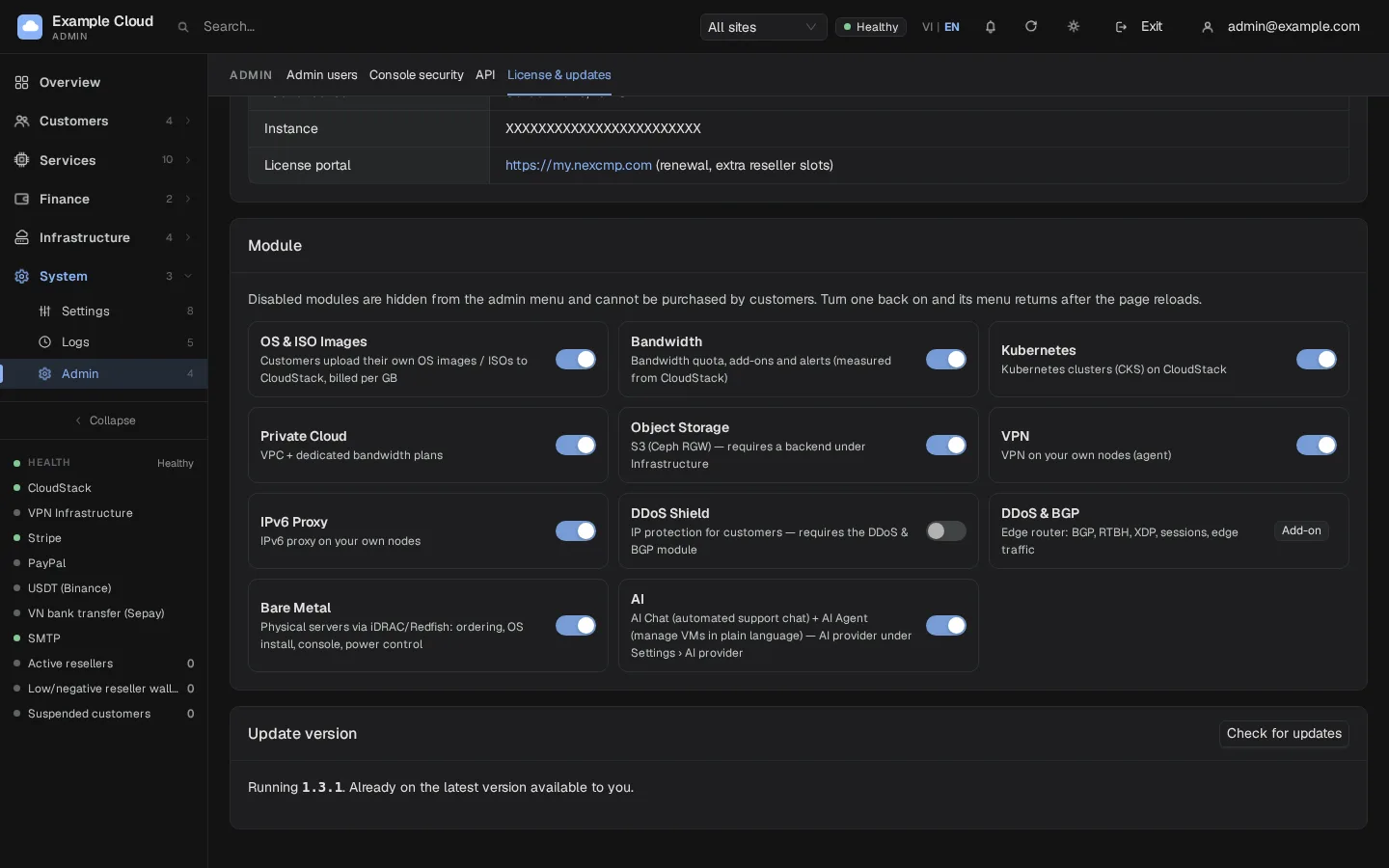
Where in the admin: System › Admin › License & updates (
/license) → Update card.
What you receive
| Release type | Delivered when |
|---|---|
| Security fix | Always, even after your "updates until" date |
| Feature release | Only if it was published on or before your "updates until" date |
You can see both dates under License & updates. Renew the entitlement at nexcmp.com/licenses.
Update from the admin console
- Open System › Admin › License & updates.
- In the Update card click Check for update. The card shows the current version, the newest version you may install, a security tag when relevant, and the changelog.
- Click Update to X.Y.Z and confirm. The program downloads the release, verifies its SHA-256 and Ed25519 signature, replaces the binary atomically (keeping a
.bakcopy) and restarts. Expect about 10 seconds of downtime. - Reload the page and check the version in the top-right of License & updates.
Update from the command line
bash
sudo nexcmp updateThis runs the installer that is shipped inside the currently installed release (not a script downloaded at that moment) with the saved parameters from /etc/nexcmp/install.conf. It refreshes the binary, the systemd units, nginx templates and the node agent, and keeps data, configuration and accounts.
Never downgrades
If the server offers a version older than the one running, the installer keeps the running version.
Before you update
- Take a backup:
sudo nexcmp backup— see Backup and restore. - Read the changelog in the Update card. For changes since 1.3, see Release notes through 1.6.1, including the VPN agent update and Bare Metal pricing rules.
- Update during a quiet period; running virtual machines are not touched, but customers cannot use the portal for a few seconds.
After you update
- Run
sudo nexcmp statusand confirm both services are active. - Open the admin Dashboard and the Needs attention page.
- Database migrations run automatically on first start of the new version.
- If you run VPN nodes, update their agent separately and check the usage readings. Updating the panel makes the new agent available; it does not prove that every remote node is already running it. See VPN node data allowance.
If an update fails, see Update errors.