Audit log and activity
Where in the admin: System › Logs › Activity (
/logs), Admin actions (/logs/admin), Console (/logs/console), Login (/logs/logins), VM events (/logs/vm-events); Overview › Support › Sent emails.
NexCMP records every significant action. Use the Activity page as the single timeline, and the other tabs to narrow down.
Tabs
| Tab | Content |
|---|---|
| Activity | Unified timeline across all sources: admin actions, VM events, logins, affiliate and system errors |
| Admin actions | What administrators changed (for example customer.block, customer.delete), with the administrator's IP |
| Console | Admin console sign-ins and system requests such as an update request |
| Login | Customer sign-ins and failures |
| VM events | Deploy steps, create, password, destroy and other lifecycle events per virtual machine |
Reading a row
Columns: Time, Source, Level, Actor (who), Target, Services, Action (event code such as customer.delete) and Details. Click Open for the full record.
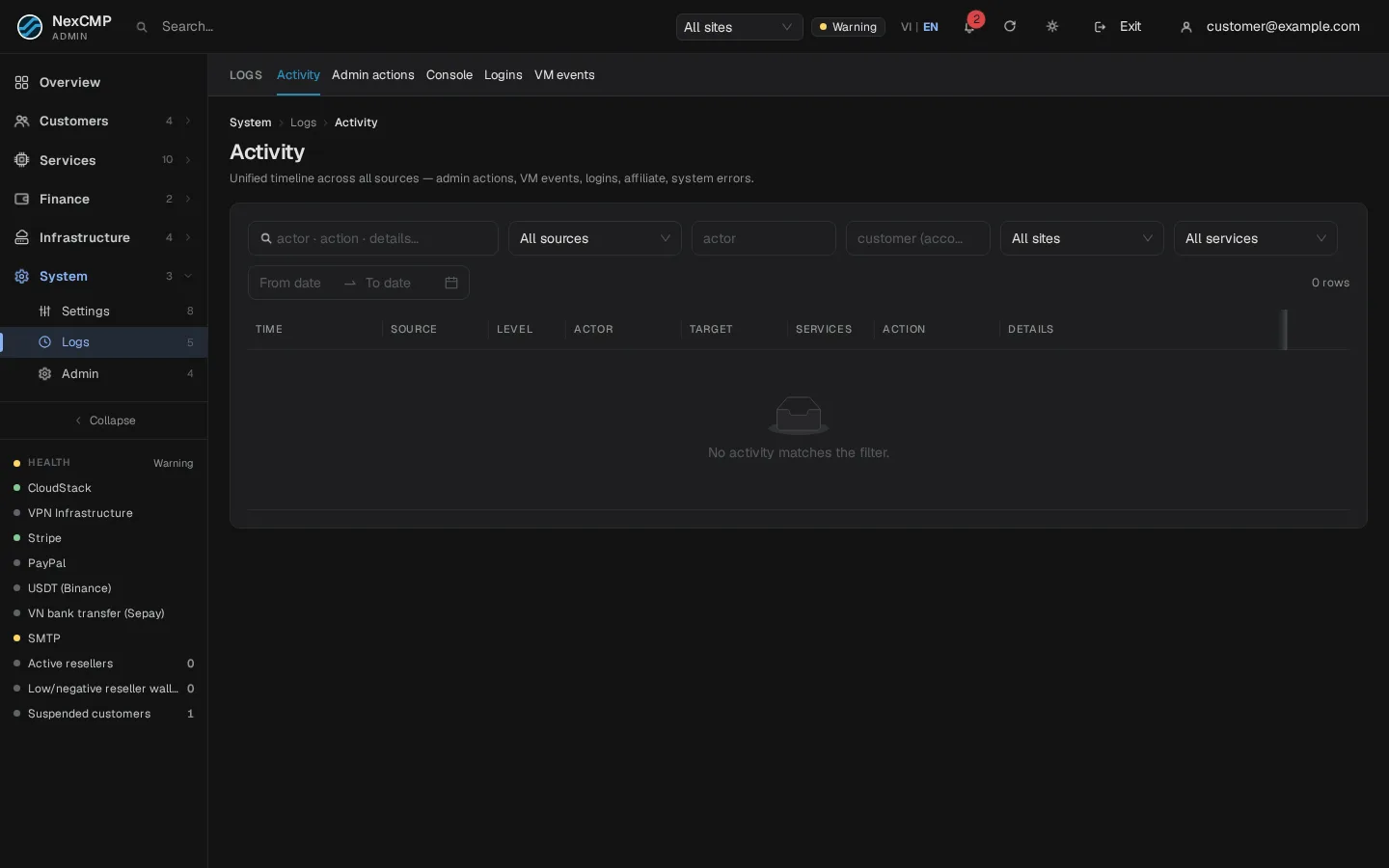
Filter and search
- Pick a source, site and service from the drop-downs.
- Set a From date / To date range.
- Type an event code (for example
customer.blockordestroy) in the search box — activity search matches the event code.
Retention and exports
Records live in the NexCMP databases in /var/lib/nexcmp and are included in backups. Retention depends on the log: customer sign-in attempts older than 180 days and customer API-key request logs older than 60 days are cleaned up. Admin API-key audit keeps up to about 200,000 recent records. These limits do not imply the same retention for the unified activity timeline.
Common uses
| Question | Where to look |
|---|---|
| Who suspended this customer? | Admin actions, search customer.block |
| Why did a VM disappear? | VM events, filter by the VM's ID; also Activity |
| Did the customer receive the e-mail? | Overview › Support › Sent emails |
| When was the last update requested? | Console tab |